Update community safety reports and spot rule errors in Workflows
Update Object offers community safety reports, rules with validation errors get a red outline, and deleting a key-value row no longer shows another row's text.
Learn now- Platform
Every improvement we ship to our platform.
Updated weekly.
Update Object offers community safety reports, rules with validation errors get a red outline, and deleting a key-value row no longer shows another row's text.
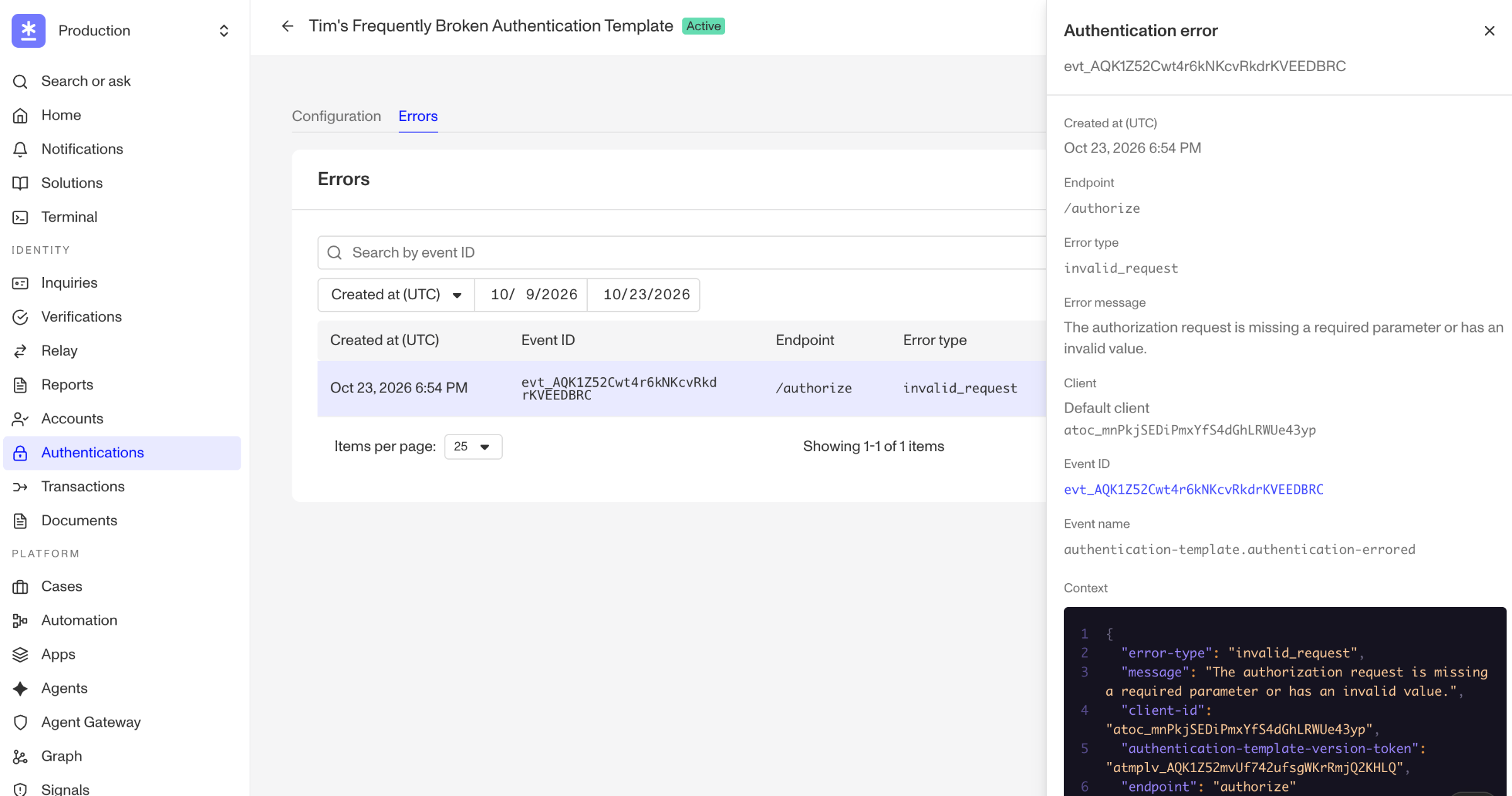
Learn nowInspect OIDC errors from /par, /authorize, /token, and /userinfo in each authentication template's Errors tab, and receive them as a webhook event.
Learn now
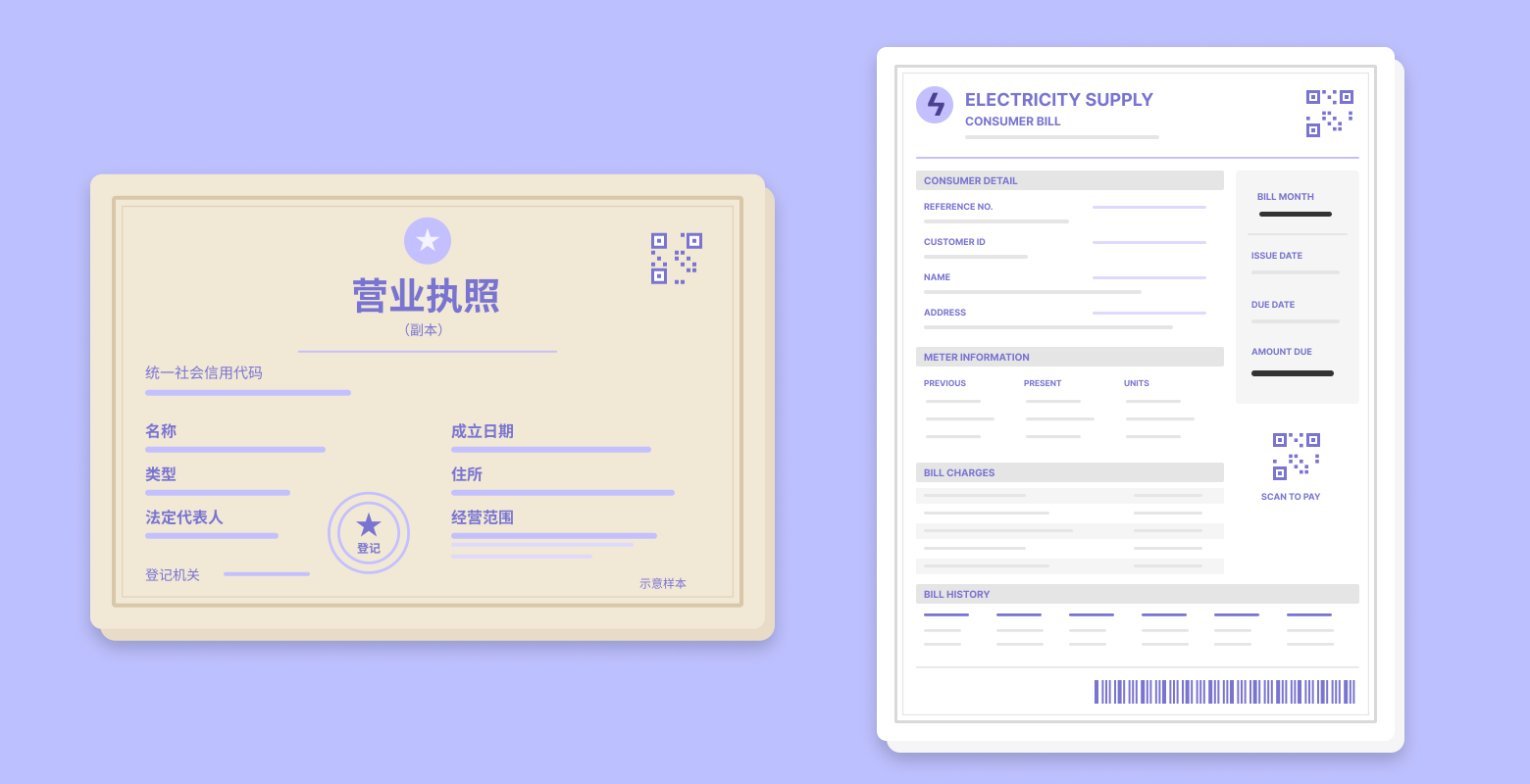
Extract information from documents without writing or configuring the extraction logic yourself. The Extraction Library provides Persona-managed, pre-built extractions for names, addresses, dates, tax IDs, business or statement fields, and more.
Learn nowThe Microsoft Entra integration now registers, lists, and removes passkeys for users in your tenant, so passkey setup runs through your existing Entra identity setup.
Learn nowCustomers see your brand, not ours. Add as many custom domains and sender addresses as you need and then use them for emails sent from Cases, Workflows, and Inquiries.
Learn nowReceive opt-in email or Dashboard alerts when webhooks reach your failure thresholds, so you can investigate delivery problems without monitoring status manually.
Learn nowCustomers and prospects can find Persona’s security information and compliance documentation themselves at trust.withpersona.com.
Learn nowVerify eligible Android users remotely with government-issued mobile driver's licenses from Samsung Wallet and Google Wallet, without building separate wallet integrations.
Learn nowVision Mode passes the document image or file directly to the AI model, allowing it to consider the document’s visual layout as well as its text. It can help improve accuracy for non-English documents or those with complex layouts.
Learn now
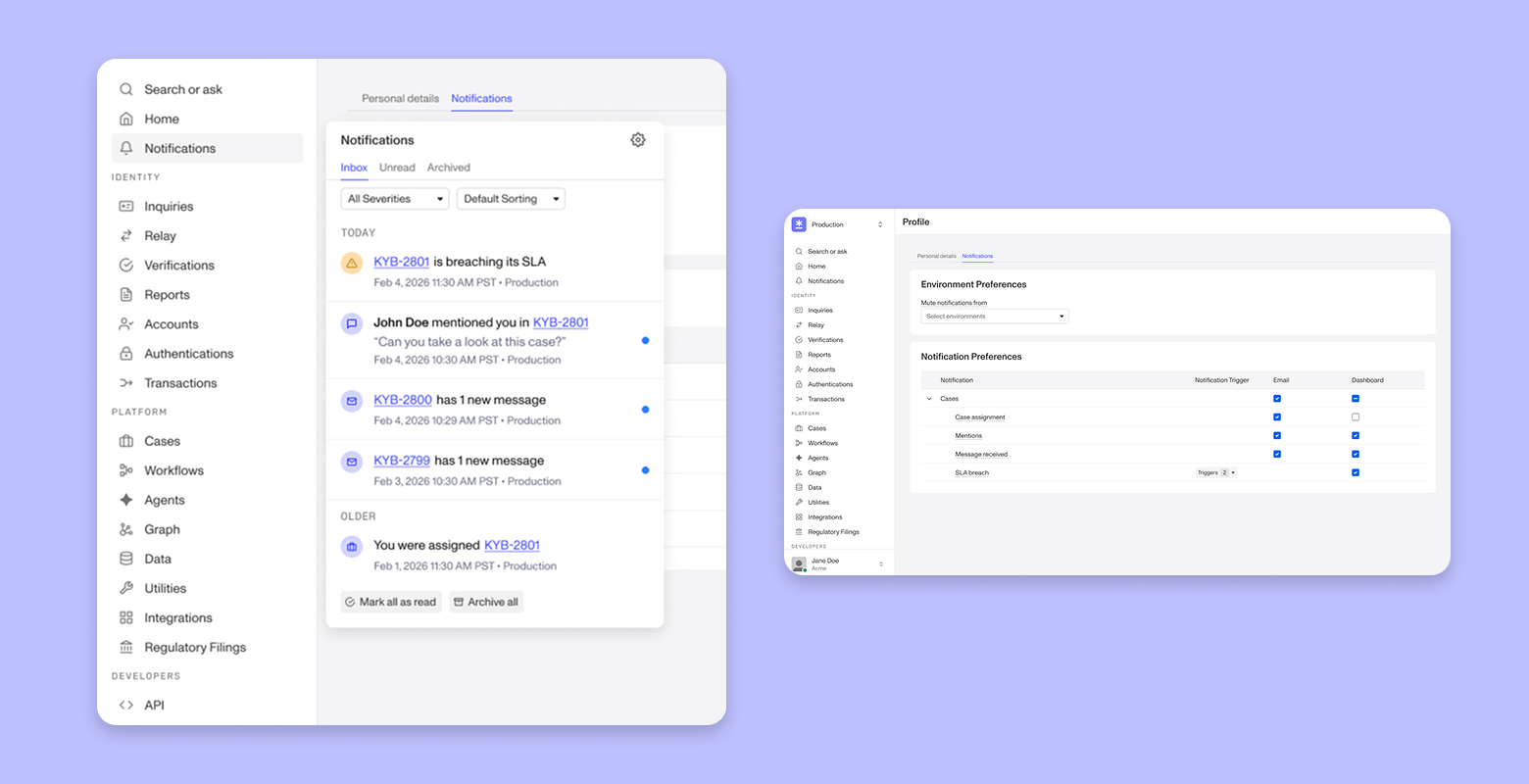
Users now have access to a centralized notification hub, available from anywhere in the dashboard, with views and filters to quickly find unread, archived, critical, and urgent notifications.
Learn now
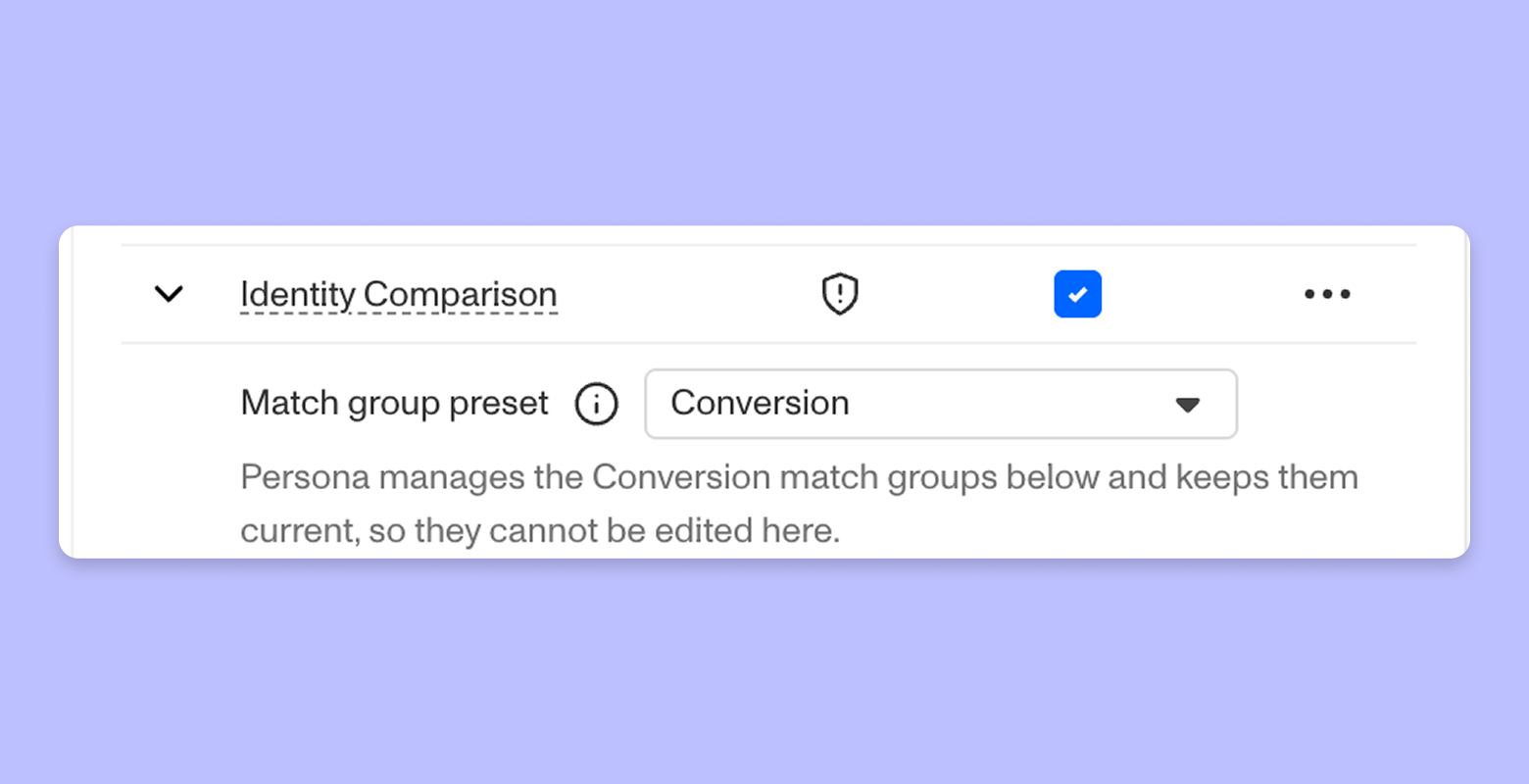
Choose Conversion or Assurance presets to prioritize pass rate or match confidence, and receive automatic configuration improvements without maintaining country-specific rules.
Learn now
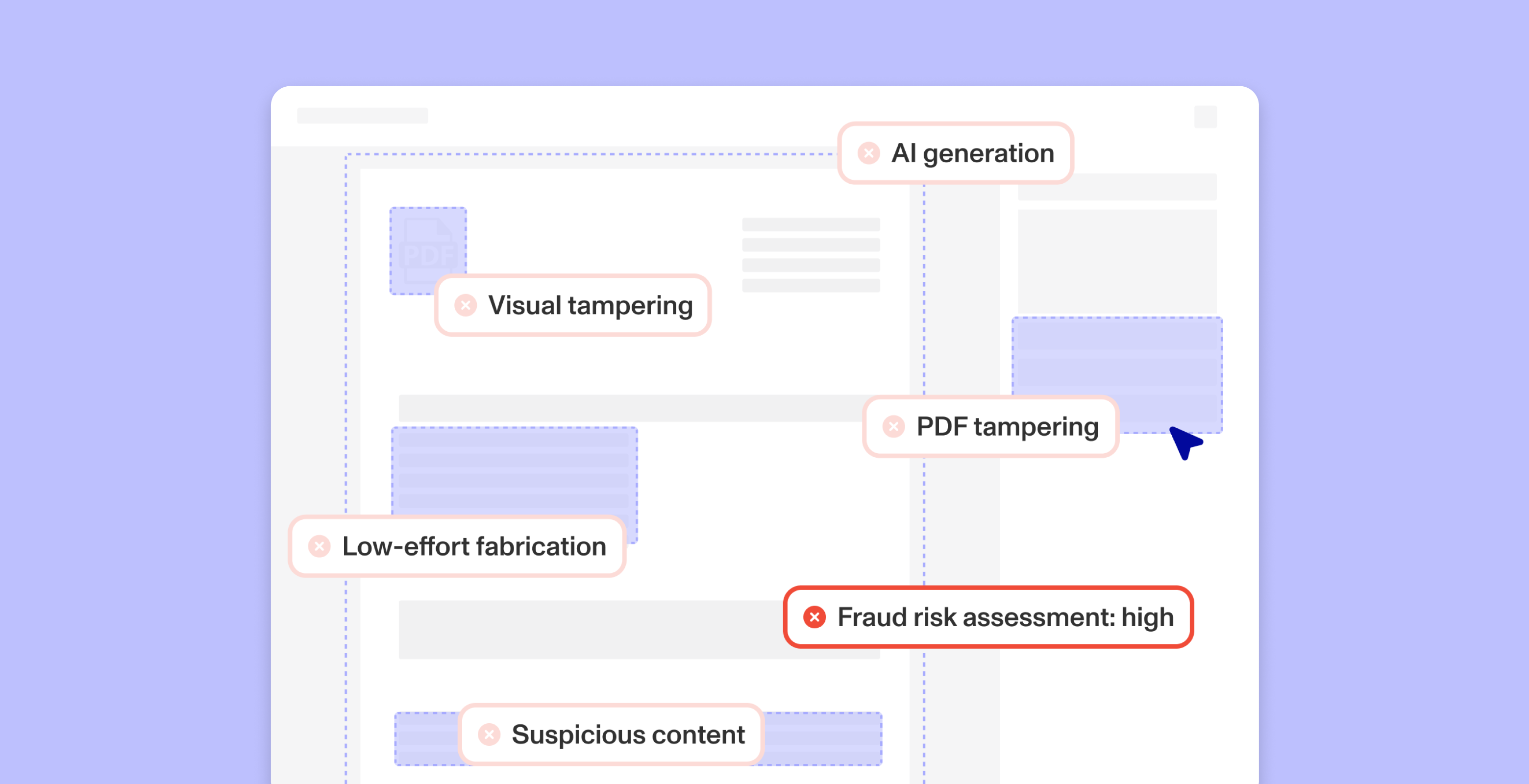
Handle supplemental document risk with more nuance. Specify custom risk definitions for dedicated checks, including AI generation, visual tampering, PDF tampering, low-effort fabrication, and suspicious content. Summarize their outputs with the Fraud Risk Assessment check, and customize the settings for each document verification template you use.
Learn now